

Should you choose an alarm, cameras or both?
Choosing a home security system in Perth starts with the event you want to know about. A basic alarm can report an opened door or movement inside an armed area. UniFi CCTV can show activity on a visible approach and provide footage to review. If you want both entry detection and a view of what happened, keeping a suitable alarm and adding cameras is worth assessing.
Start with your existing equipment and daily routine. Do you want to know when someone walks down the side passage, see who used the driveway, or be alerted to an entry while you are asleep? Those questions lead to a more useful design than choosing a kit by camera count.
Where can each system detect activity?
The comparison below assumes a basic alarm with indoor motion sensors and optional door or window contacts. Traditional alarms can also use outdoor detectors: OPTEX’s outdoor approach detector is one manufacturer example. Early outdoor detection is therefore not exclusive to CCTV.
This is a comparison of detection locations and functions. It is not a measured effectiveness score, crime-reduction result or promise that a notification will arrive before someone reaches a window.
- Outside approach: a suitably placed camera or outdoor alarm detector may detect activity.
- At an opening: a fitted door or window contact detects opening.
- Inside a room: an indoor motion sensor detects movement in its view.
Source: www.optex-europe.com
| Question | Basic indoor alarm | UniFi Protect CCTV |
|---|---|---|
| Can it notice activity before entry? | Requires suitable outdoor detection to cover an approach. | Can detect a person in a visible, configured area. |
| Can I see what happened? | A basic sensor event does not provide video. | Recorded footage can help you review the event. |
| What happens next? | Depends on the siren, communicator and monitoring arrangement. | Notifications and supported actions must be configured. |
| What should I test? | Arming, each sensor, backup power and the response arrangement. | Views, night footage, detections, notifications and playback. |
Source: help.ui.com
How UniFi detection zones work
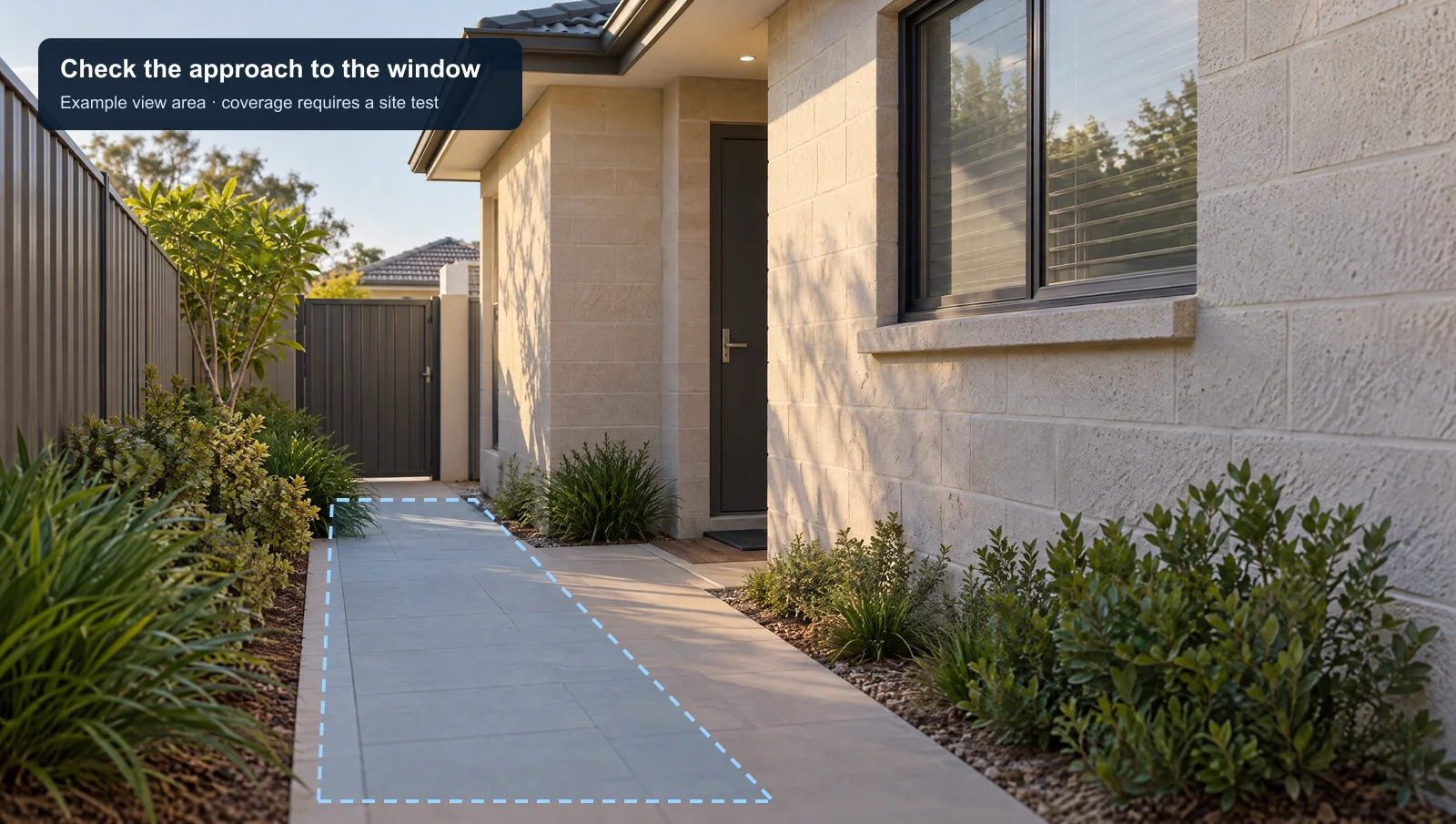
In UniFi Protect’s zone settings, you select relevant parts of a camera view. A smart detection zone can focus attention on a driveway or side path. Exclusion zones reduce unwanted detections in selected areas; privacy masks prevent recording in masked areas.
A drawn zone does not create coverage behind a wall or around a corner. It detects activity the camera can see, subject to the selected camera and settings. A person alert identifies a detected person; it cannot tell you whether that person is a thief.
Walk the intended route during the day and after dark. Check the actual event and footage, including the approach to the window. Repeat with gates in their usual positions and a car parked normally. Change the mounting position if the view is blocked.
Choose alerts someone will act on
UniFi Alarm Manager supports person-event notifications and schedules for supported triggers. Confirm the recipient and test the phone. A push alert is not a monitored alarm response. Sound and lighting actions require compatible hardware; do not assume every camera includes a siren.
Agree what a normal delivery, family arrival or gardener visit should do. Too many routine alerts can make useful ones harder to notice. Also decide who checks an unexpected event when the usual recipient is away or unavailable.
Plan the equipment behind the camera
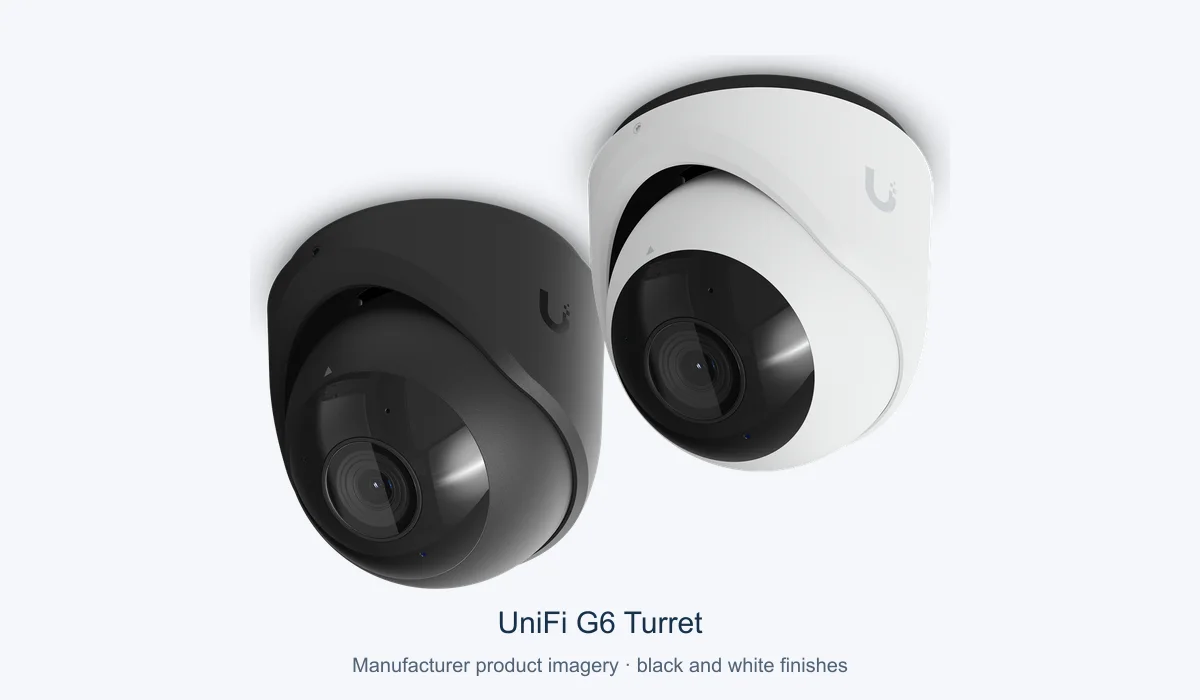
The UniFi G6 Turret is one example of a 4K PoE camera with person detection. It is not a universal specification for every position. Compare the required view with the mounting point and lighting before selecting the final model.
A local UniFi Protect system needs compatible hosting hardware, cameras, storage and an appropriate power and network design. Discuss recording mode and how long footage needs to remain available. Retention depends on equipment and settings.
Our camera planning guide covers views, storage and handover in more detail. If the front door is the priority, also compare a dedicated camera with a PoE doorbell upgrade.
What to include in your Perth enquiry
Send a simple floor plan, photographs of the approach routes and a list of any existing alarm, cameras and network equipment. State whether you want footage, approach alerts, monitored response, or a combination. Include who will use the system and whether pets or regular visitors affect the alert routine.
Ask for the proposed camera views, cable routes, recorder location, storage assumptions and backup-power scope in writing. At handover, test a sample event, find it in playback and export it. If you keep the alarm, have its operation assessed separately.
Bring those details to our UniFi Protect installation team or explore home UniFi planning if cameras are part of a wider network upgrade.
Useful answers
Can UniFi alert me before someone reaches a window?
It can detect a person on a visible approach when compatible equipment and suitable settings are used. Obstructions, lighting and notification delivery affect the result, so test the actual route. No early-warning time is guaranteed.
Should I remove my existing alarm?
Have it assessed first. Door contacts and indoor sensors may still serve a useful purpose alongside outdoor camera coverage.
Is camera CCTV automatically a monitored security service?
No. Recording and phone alerts do not by themselves establish a monitoring contract or a response arrangement.
Sources & further reading
- Ubiquiti: Alarm Manager notifications and hardware actions
- Ubiquiti: G6 Turret technical specifications
- Ubiquiti: Protect system requirements
- Ubiquiti: recording modes and schedules
- OPTEX: an example of outdoor alarm approach detection
- Resideo: how a door contact detects an opening
- OPTEX: indoor motion detection
- Ubiquiti: detection and privacy zones